Solver
Inspect Boolean inputs, read a constrained result, or compare integer predicate rules.
Overview
Enter a rule, then set an input to 0, 1, or dc to inspect the constrained summary in Result. The full Truth Table remains available for checking each Boolean combination.
To inspect satisfying Boolean inputs, read rows with Out = 1 in Truth Table. For integer predicates, use SMT/Z3 simplification or compare two rules in Equiv Diff. SMT views provide simplification and equivalence verdicts.
Choosing a solver
The header shows the selected simplification backend. Click it to change that selection or load Z3. Equiv Diff selects its comparison backend separately.
| Backend | Use | Limit |
|---|---|---|
| QM | Small Boolean expressions and two-level simplification. | Simplification accepts up to 12 atoms. Predicates are treated as independent true/false inputs. |
| SAT | Equivalence checks for more than 14 pure Boolean variables in Equiv Diff. | Boolean expression comparisons. |
| SMT / Z3 | Integer comparisons and sets of integer literals. | Separate WebAssembly download; requires cross-origin isolation and shared-memory support. |
Z3 loads on demand when you request it or an analysis needs SMT. You can also select Load Z3 from the solver control. The file is about 33.7 MB decoded, or about 7.6 MB with gzip compression. The loading indicator shows download progress.
For SMT reasoning, use integer comparisons or sets of integer literals and wait for Solver: SMT ✓. String and enum predicates remain independent Boolean inputs, and decimal real-number reasoning is outside this model. Put required integer bounds in the expression; declared ranges are value-bucket annotations.
Outcomes
Result counts and outcomes apply to the selected Inputs constraints:
- Always true: the expression evaluates to true for every remaining assignment.
- Always false: the expression evaluates to false for every remaining assignment.
Constrained solving
The Inputs controls reduce the live Result summary. Set logged_in to 1 or banned to 0 to inspect the rule under those assumptions. These controls do not filter the full Truth Table or constrain canonical Simplify and Equiv Diff. Include required assumptions in the expressions you simplify or compare.
Variable impact
The Stats tab shows variable impact: the fraction of Boolean assignments where flipping a variable changes the output. Predicate columns are treated as independent Boolean inputs in this calculation.
Variables marked as irrelevant (the expression is independent of them) are highlighted in the impact section.
Equivalence diff
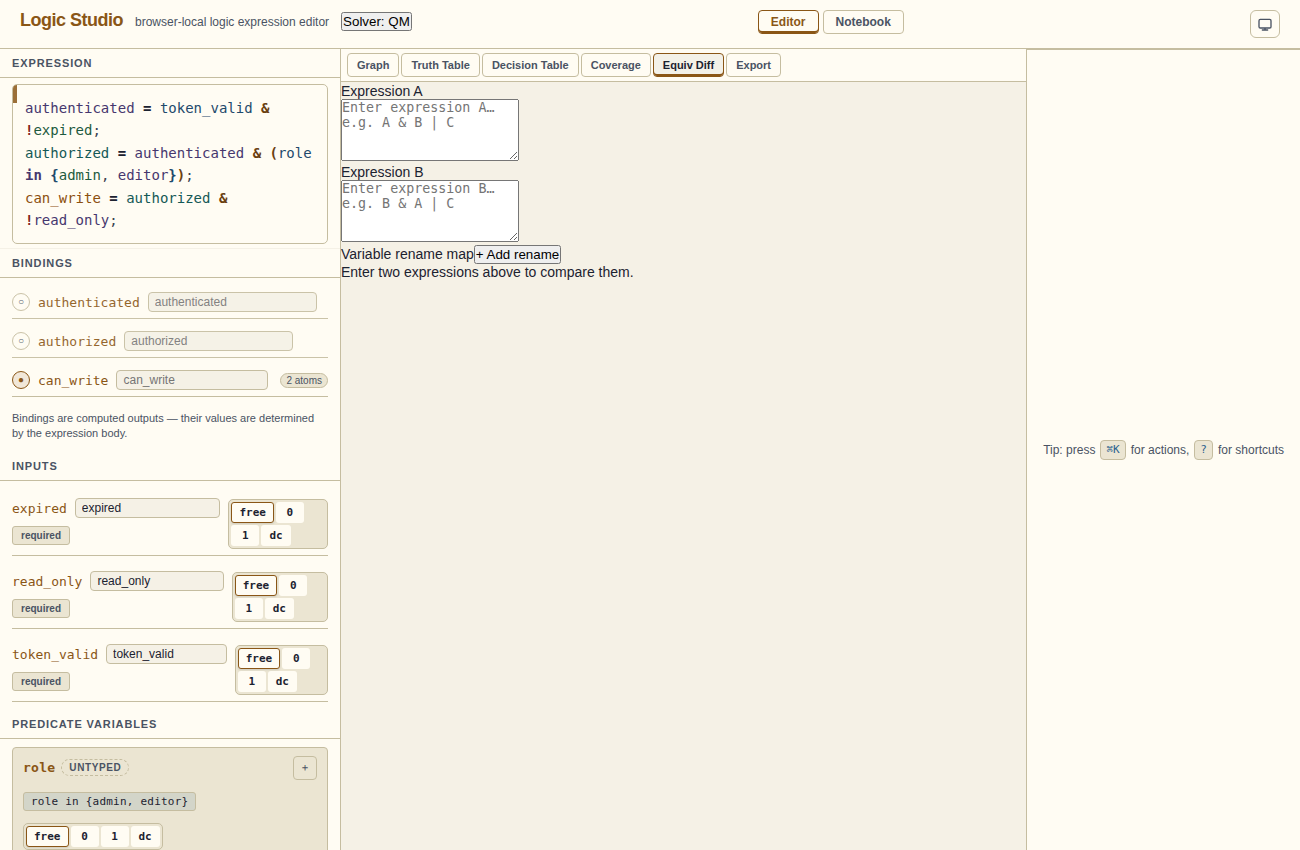
The Equiv Diff tab lets you compare two expressions for logical equivalence. Paste a second expression into the diff input; Logic Studio checks whether the two are equivalent. Boolean differences include a distinguishing input assignment. SMT integer comparisons give a verdict, but numeric witness values are not displayed.